GestureDraw
Draw in the Air. Create Without Limits.
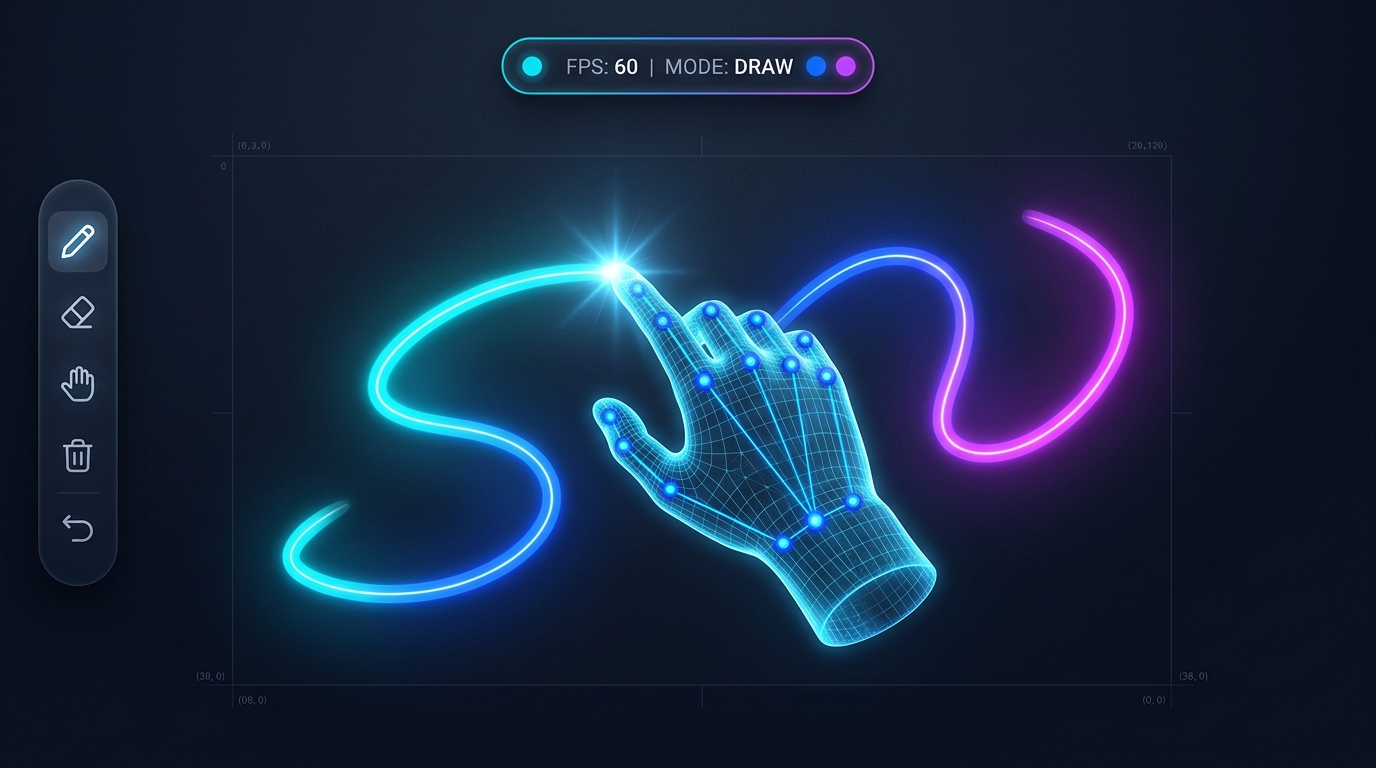
An AI-powered hand gesture drawing app that lets you draw, move, erase and clear a virtual canvas using only your webcam and finger gestures.
Powerful Features
A smart and interactive drawing experience like never before!
Draw in Air
Create stunning drawings using simple finger gestures. Index finger only up to paint glowing neon lines.
Move Objects
Drag and reposition elements with your hand. Two fingers up lets you hover over tools and select palettes.
Erase Easily
Remove unwanted parts with a smooth gesture. Three fingers up reveals a circular precision eraser cursor.
Clear Canvas
Clear the canvas instantly in the air. Hold all five fingers up for 1 second with an animated progress ring.
Finger Gesture Guide
Intuitive natural gestures mapped directly to your digital canvas
Index Finger Only
Point index finger up with other fingers folded. Creates smooth, anti-aliased glowing air strokes.
Index + Middle Fingers
Lifts the pen without drawing. Hover over toolbar icons or top colors for 0.6s to trigger clicks.
Index + Middle + Ring
Three fingers up activates the circular eraser cursor to wipe away strokes cleanly.
All 5 Fingers Up (Hold 1s)
Hold an open palm for 1 second. A glowing progress ring fills up so you never wipe the board accidentally.
Thumb + Index Pinch
Pinch thumb and index close together to dynamically scale brush thickness from 2px up to 48px.
Closed Fist
Rest your hand in a fist to pause tracking. Preserves your drawing state safely.
How It Works
Get started in just a few simple steps
Use Your Webcam
Allow the app to access your webcam. Video frames are processed 100% locally on your machine.
Make Hand Gestures
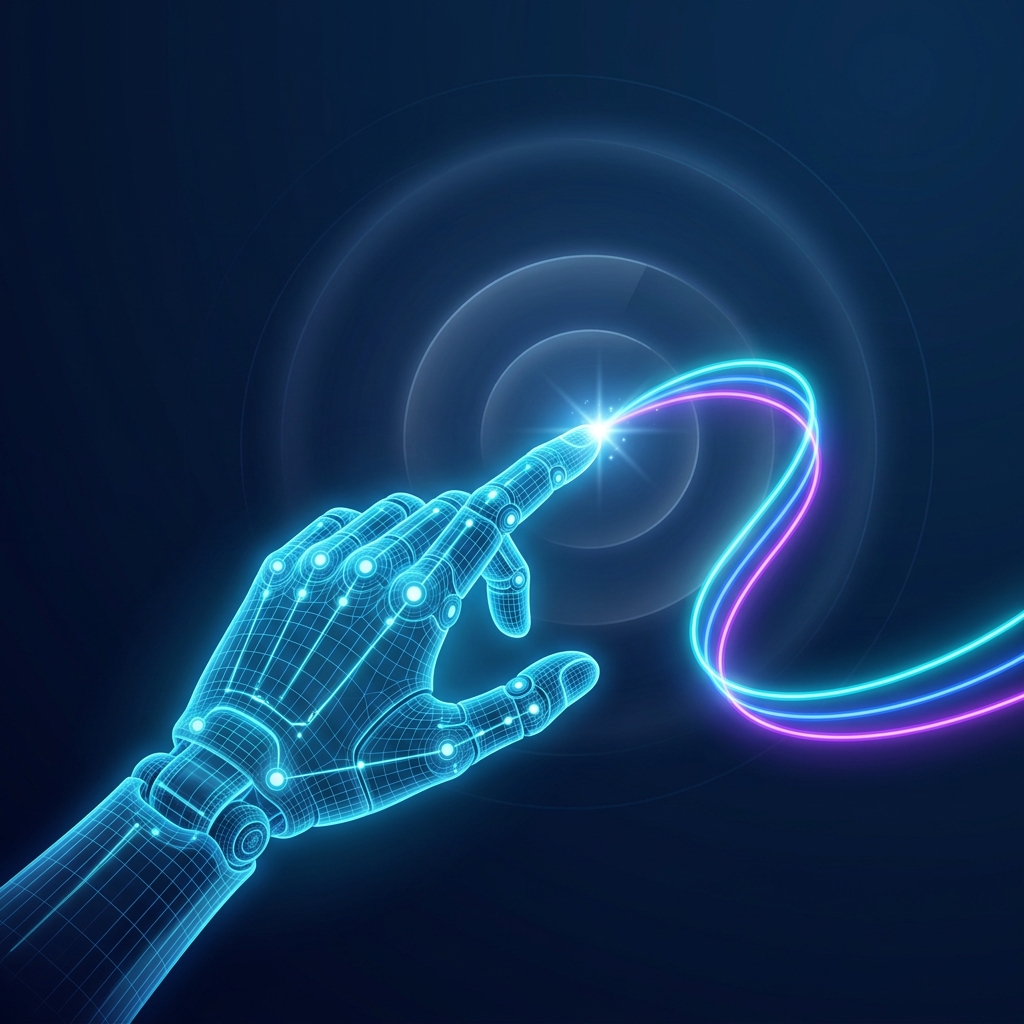
Draw, move or erase using your finger. Detects 21 3D hand landmarks in real-time at 30+ FPS.
See the Magic
Enjoy your air drawing in real-time! Export transparent PNGs or record MP4 demo videos.
Try GestureDraw Right Now
Experience AI hand tracking directly in your web browser. No download required.
Air Drawing Playground
Click "Start Webcam" to test hand gesture tracking directly in your browser. All video is processed client-side and never leaves your computer.
🔒 100% Private & Secure. Works offline after loading.
Frequently Asked Questions
Everything you need to know about GestureDraw and our privacy-first design
No! The Python desktop application and standalone Windows executable run completely offline. The AI hand landmark model is bundled directly into the app, meaning you can sketch and draw anywhere without internet access.
Never. Your privacy is paramount. All webcam frames are processed 100% locally on your computer in RAM. No footage, biometric templates, or hand landmarks are ever stored externally or transmitted across the internet. When you quit the app, your camera hardware is released immediately.
The precompiled executable is crafted for Windows 10 and Windows 11 (64-bit). The open-source Python codebase additionally runs on macOS and Linux. Any standard 720p or 1080p USB webcam or built-in laptop camera is supported.
For optimum precision, ensure front or ambient lighting on your hand with minimal direct glare behind you. Keep your hand comfortably within 1.5 to 3 feet from the webcam.